First government application
Prepare the PDS requirement without learning a complicated tool first.
Fill out your Philippine Personal Data Sheet online, preview the generated form, and download your PDF — right on your phone. No signup required to start.
Your free draft stays in this browser. Not affiliated with the Civil Service Commission.
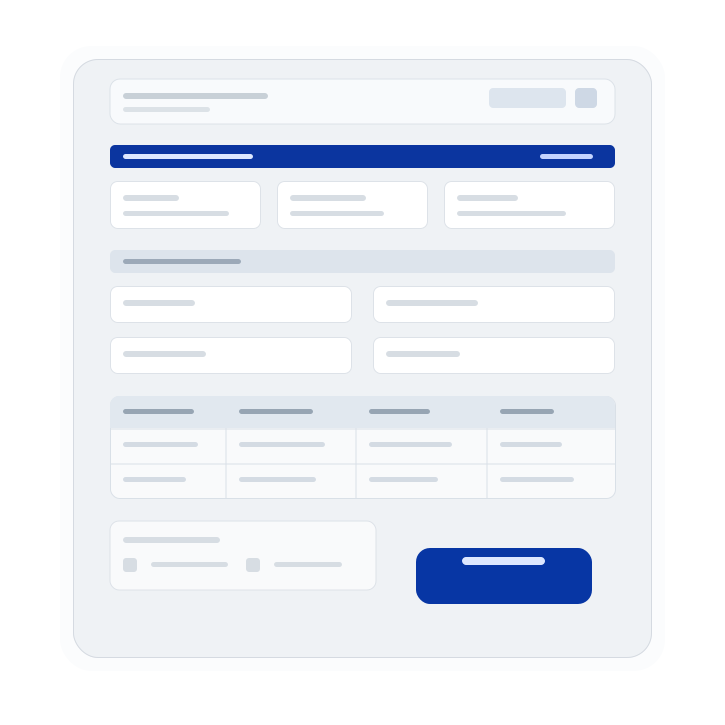
Sample of the generated CSC Form 212 preview
Private by default
Generated from CSC Form 212. For assistance purposes only. PDS Express is not affiliated with the Civil Service Commission.
Built for
Built for people who need a PDS now
PDSExpress is designed for first-time government applicants, fresh graduates, and professionals updating old records. Use it immediately, then decide later if saving your data is worth it.
Prepare the PDS requirement without learning a complicated tool first.
Organize your basic profile, education, eligibility, and references in one place.
Refresh work history, trainings, and contact details without starting over.
Get from blank form to ready-to-review PDF faster when time is tight.
Save your data only when you want the convenience of reuse later.
Preview before download so you stay in control of what you submit.
How it works
The app keeps the steps simple and stays out of your way. You remain in control of your personal data and the PDF you submit.
Open PDSExpress and begin filling out your PDS. No account or payment is needed to start, and your draft stays in this browser.
Enter your details section by section, then preview the generated CSC Form 212 layout before anything is exported.
Export the PDF from your current draft. Create an account only when you want saving and reuse.
Work Experience Sheet
When your employment history needs more space than the main PDS allows, generate a separate Work Experience Sheet from the same work entries. Keep positions, supervisors, office units, duties, and accomplishments ready for agencies that ask for supporting details.
Optional account
An account is only for people who want to save a reusable profile for future applications, renewals, and HR updates.
Start here
Fill your PDS, preview the generated form, and download a PDF without creating an account.
Sign in when you want to save your profile to your account.
Start freeOptional account
Upgrade when you need Pro Pass access and workflow extras for repeat PDS use.
Pay securely with QRPH where supported.
Buy Pro PassEdit PDS data
Free: Included
Pro Pass: Included
Live PDF preview
Free: Included
Pro Pass: Included
PDF download
Free: Included
Pro Pass: Included
Account save
Free: Included with sign-in
Pro Pass: Included
Best for
Free: One-time editing
Pro Pass: Repeat HR requests
Use QRPH to pay for Pro Pass access where supported. Generated files should always be reviewed before submission to any HR office, school, or agency.
Questions
For new graduates, career shifters, and anyone preparing for civil service or government hiring, plus security, pricing, and how PDS Express relates to CSC Form 212.
Ask about your PDS, exports, or account. We reply as soon as we can.
Contact supportStart with the details you know, review the generated form, and download your PDF.
Free to start. Works right on your phone. You review every output before submitting.